How to Integrate Salesforce and Oracle ERP with Boomi: A Practical Guide
How to Integrate Salesforce and Oracle ERP with Boomi: A Practical Guide
Sales and finance teams depend on different systems to manage their daily operations.
Salesforce manages customer, sales, account, opportunity, and service information, while Oracle ERP manages critical enterprise processes such as financials, orders, inventory, procurement, and other operational data.
When these systems operate independently, businesses often face duplicate data entry, inconsistent records, delayed information, and manual reconciliation.
Integrating Salesforce with Oracle ERP can create a connected flow of business information between CRM and ERP systems.
Boomi provides connectors and integration capabilities that can be used to connect Salesforce with Oracle applications and orchestrate data between them. Boomi's documentation specifically describes connectors as the components used to connect applications and data sources, including Salesforce and Oracle systems.
In this guide, we'll walk through a practical approach to building a Salesforce–Oracle ERP integration with Boomi.
1. Why Integrate Salesforce with Oracle ERP?
Salesforce and Oracle ERP typically contain different parts of the customer and business lifecycle.
For example:
Salesforce
- Leads
- Accounts
- Contacts
- Opportunities
- Products
- Quotes
- Customer interactions
Oracle ERP
- Customers
- Orders
- Inventory
- Invoices
- Payments
- Financial information
- Procurement
- Fulfillment data
Without integration, employees may need to manually transfer information between the two systems.
This can result in:
- Duplicate data entry
- Data inconsistencies
- Delayed order processing
- Manual reconciliation
- Limited visibility
- Increased operational effort
- Higher risk of human error
An integration layer can automate the movement and transformation of information between the systems.
2. What Can You Integrate Between Salesforce and Oracle ERP?
The exact integration scope depends on the organization's business processes.
Common integration scenarios include:
| Salesforce | Oracle ERP |
|---|---|
| Account | Customer |
| Contact | Customer Contact |
| Opportunity | Sales Order / Order Process |
| Product | Item / Product |
| Quote | Order |
| Order | Sales Order |
| Customer updates | Customer Master |
| Invoice status | Salesforce Account / Opportunity |
| Payment status | Salesforce |
| Product availability | Salesforce |
Not every organization needs every data flow.
The best approach is to identify the business processes first and then determine which objects and records need to be synchronized.
3. High-Level Integration Architecture
A typical architecture can look like this:
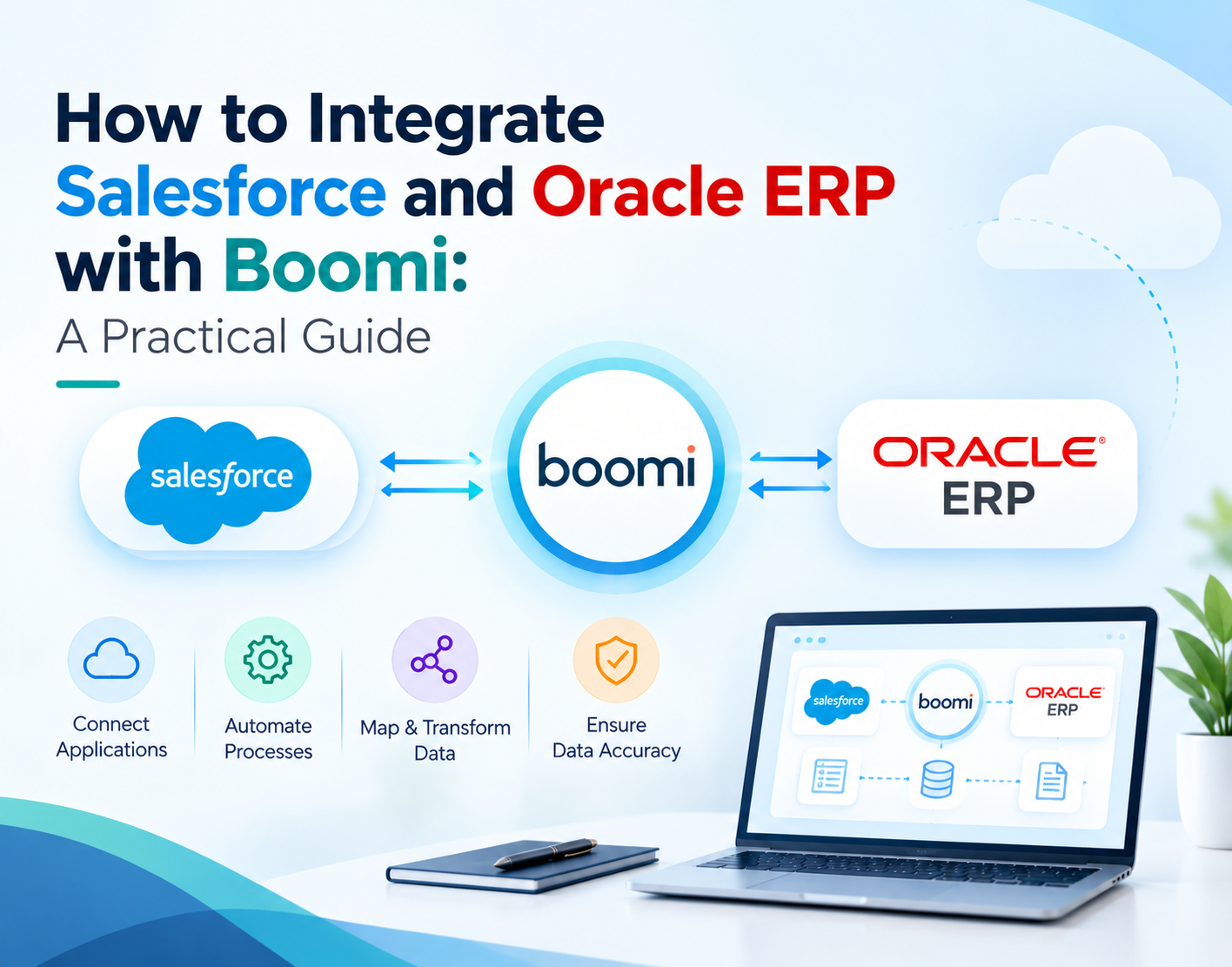
Salesforce → Boomi → Oracle ERP
and, when information needs to flow back:
Oracle ERP → Boomi → Salesforce
Boomi acts as the integration layer responsible for connecting the systems, transforming data, mapping fields, executing business logic, and handling integration errors.
Salesforce and Oracle ERP remain the systems of record for their respective business processes, while Boomi manages the flow of information between them.
4. Step 1: Define the Business Process
Before creating the Boomi process, define exactly what should happen when data changes.
For example, consider a simple order process:
Salesforce Opportunity → Order → Oracle ERP → Order Status → Salesforce
The business requirements might be:
- A sales opportunity reaches a specific stage.
- Salesforce provides the required customer and order information.
- Boomi retrieves the required Salesforce records.
- Boomi validates the data.
- Boomi transforms Salesforce data into the Oracle ERP format.
- Oracle ERP creates or updates the required transaction.
- Oracle returns the transaction result.
- Boomi updates Salesforce with the Oracle reference or status.
Defining this workflow before development helps prevent unnecessary complexity.
5. Step 2: Configure the Salesforce Connection
Boomi provides a Salesforce connector for connecting Salesforce applications to other systems. The connector supports Salesforce environments including Sales Cloud, Service Cloud, Custom Cloud, and Force.com.
Depending on the connector and authentication approach selected, Salesforce connectivity can use credentials or OAuth-based authentication. Boomi's current documentation also describes OAuth 2.0 and JWT Bearer authentication options for Salesforce connectivity in relevant contexts.
Before configuring the connection, confirm:
- Salesforce API access
- Integration user permissions
- Required Salesforce objects
- Authentication method
- Required security settings
- Sandbox or production environment
- API limits and expected transaction volume
Use a dedicated integration user where appropriate rather than connecting the integration using an individual employee's account.
6. Step 3: Configure the Oracle ERP Connection
If the target is Oracle Fusion / Oracle ERP Cloud, Boomi provides an Oracle Fusion connector.
Boomi's documentation states that the Oracle Fusion connector supports connectivity through SOAP services and provides operations such as create, get, update, delete, merge, query, and process operations depending on the selected service and operation.
The Oracle Fusion connection requires details such as the Fusion endpoint, username, password, and supported authentication configuration.
Before configuring the Oracle side, identify:
- Oracle Fusion endpoint
- Required SOAP services
- Oracle user
- Required roles and permissions
- Business objects
- Required fields
- Authentication requirements
- Test environment
- Production environment
The exact configuration should be based on the Oracle ERP services and business objects used by your organization.
7. Step 4: Create the Boomi Integration Process
Once the connections are configured, create the integration process in Boomi.
A basic process could follow this structure:
Start → Salesforce Connector → Business Rules → Map → Oracle ERP Connector → Response Handling → Salesforce Update
The process can be expanded depending on the business requirements.
Typical Boomi process components include:
- Start shape
- Salesforce connector
- Decision logic
- Data transformation
- Map
- Oracle connector
- Business rules
- Exception handling
- Logging
- Notification
- Response processing
Boomi connectors can be configured as reusable connection and operation components within integration processes.
8. Step 5: Map Salesforce Data to Oracle ERP
Data mapping is one of the most important parts of the integration.
Salesforce and Oracle ERP may use different field names, formats, identifiers, and business rules.
For example:
| Salesforce Field | Oracle ERP Field | Transformation |
|---|---|---|
| Account Name | Customer Name | Direct |
| Account ID | External Customer ID | Direct |
| Billing Street | Billing Address | Mapping |
| Billing City | City | Direct |
| Billing Country | Country Code | Transformation |
| Opportunity Amount | Order Amount | Currency conversion if required |
| Product ID | Item Number | Lookup |
| Quantity | Ordered Quantity | Direct |
| Close Date | Order Date | Date transformation |
Do not assume that fields with similar names have identical business meanings.
Before mapping, document:
- Source field
- Target field
- Data type
- Required/optional status
- Transformation
- Default value
- Lookup requirement
- Validation rule
9. Step 6: Handle Data Transformation
Transformation becomes necessary when Salesforce and Oracle ERP use different formats.
For example:
Salesforce
United States
Oracle ERP
US
Or:
Salesforce
2026-09-09T15:30:00
Oracle ERP
09-SEP-2026
Boomi can transform and map data as it moves between systems.
Common transformations include:
- Date and time conversion
- Currency conversion
- Country and state codes
- Product ID mapping
- Customer ID mapping
- Address formatting
- Number formatting
- Boolean conversion
- Default values
- Lookup values
- Data validation
A centralized mapping strategy makes the integration easier to maintain.
10. Step 7: Add Validation and Business Rules
Not every Salesforce record should automatically be sent to Oracle ERP.
For example, an order may require:
- Customer ID
- Product ID
- Quantity
- Currency
- Billing address
- Shipping address
- Payment information
- Required approval
If required information is missing, Boomi should stop or route the transaction instead of sending invalid data to Oracle ERP.
Example Validation Flow
- Receive Salesforce record.
- Validate required fields.
- Check customer information.
- Validate product information.
- Validate order amount.
- Transform the data.
- Send the transaction to Oracle ERP.
- Process the Oracle response.
- Update Salesforce.
This prevents bad data from propagating through the integration.
11. Step 8: Handle Errors Properly
Error handling is essential for production integrations.
An integration can fail because of:
- Invalid Salesforce data
- Missing Oracle ERP fields
- Authentication failures
- API errors
- Network problems
- Duplicate records
- Invalid mappings
- Oracle business-rule failures
- Salesforce API limits
- Temporary system unavailability
Instead of simply allowing a process to fail, design a clear error-handling strategy.
| Error Type | Recommended Action |
|---|---|
| Validation error | Reject and notify |
| Authentication error | Alert integration team |
| Temporary API failure | Retry |
| Duplicate record | Apply business rule |
| Mapping error | Log and route for review |
| Oracle business error | Capture response and notify |
| System unavailable | Retry according to policy |
12. Step 9: Manage Duplicate Records
Duplicate customers, orders, and transactions can create serious business problems.
For example, if the same Salesforce order is processed twice, the integration could potentially create duplicate downstream transactions.
Use reliable identifiers and idempotency strategies.
Consider using:
- Salesforce Record ID
- Oracle transaction ID
- External IDs
- Integration reference IDs
- Unique business keys
- Process status fields
For example:
Salesforce Opportunity ID → Oracle External Reference
This provides a consistent way to determine whether the transaction has already been processed.
13. Step 10: Test the Integration
Do not move directly from development to production.
Create a structured testing process.
| Testing Stage | What to Test |
|---|---|
| Unit Testing | Individual mappings and components |
| Integration Testing | Salesforce-to-Oracle data flow |
| Negative Testing | Invalid or missing data |
| Performance Testing | High transaction volumes |
| Security Testing | Authentication and permissions |
| Error Testing | API and business failures |
| End-to-End Testing | Complete business process |
| User Acceptance Testing | Business requirements |
Test both successful and unsuccessful scenarios.
14. Real-Time vs Batch Integration
The integration frequency should depend on the business process.
For example:
Real-Time
Salesforce Order → Boomi → Oracle ERP
This may be appropriate when the business needs immediate order processing.
Batch
Oracle ERP → Boomi → Salesforce
This may be appropriate for periodic synchronization of large datasets where immediate updates are not required.
| Requirement | Possible Approach |
|---|---|
| Immediate order processing | Real-time |
| Customer updates | Real-time or scheduled |
| Product synchronization | Scheduled or real-time |
| Large data migration | Batch |
| Financial reporting data | Scheduled |
| Status updates | Real-time or scheduled |
The correct approach depends on business requirements, API limits, transaction volumes, and operational needs.
15. Monitor the Integration in Production
Building the integration is only the beginning.
Once the process is live, teams need visibility into its operation.
Monitor:
- Successful transactions
- Failed transactions
- Processing times
- API failures
- Authentication errors
- Data validation errors
- Duplicate transactions
- Retry activity
- Transaction volumes
- Business exceptions
A production integration should have clear ownership and an escalation process for failures.
16. Common Challenges When Integrating Salesforce and Oracle ERP
Several challenges can appear during implementation.
| Challenge | Solution |
|---|---|
| Different data models | Create clear mapping specifications |
| Duplicate records | Use external IDs and unique keys |
| Missing data | Add validation before transmission |
| API limits | Design appropriate batching and scheduling |
| Complex transformations | Use reusable mapping logic |
| Authentication issues | Use dedicated integration credentials |
| Business-rule failures | Capture and process ERP responses |
| Integration failures | Implement monitoring and retry strategies |
| Changing requirements | Maintain documented integration architecture |
17. Best Practices for Salesforce–Oracle ERP Integration
- Start with business processes, not connectors.
- Define the system of record for every data object.
- Use dedicated integration users.
- Minimize unnecessary data synchronization.
- Validate data before sending it downstream.
- Use consistent external identifiers.
- Build reusable mapping and transformation logic.
- Separate development, testing, and production environments.
- Design retry and error-handling mechanisms.
- Monitor production integrations continuously.
- Document mappings and business rules.
- Test realistic transaction volumes before production deployment.
18. Example End-to-End Integration
Consider an organization that receives customer orders through Salesforce.
The process could look like:
Salesforce Opportunity
↓
Boomi retrieves customer and order information
↓
Boomi validates required fields
↓
Boomi transforms Salesforce data
↓
Oracle ERP receives the transaction
↓
Oracle ERP creates the order
↓
Oracle returns the transaction reference
↓
Boomi updates Salesforce
↓
Sales team sees the latest order status
This creates a connected business process instead of requiring employees to manually transfer information between CRM and ERP systems.
The goal of Salesforce–Oracle ERP integration is not simply to move data. It is to automate the business process around that data.
The Bottom Line
Integrating Salesforce and Oracle ERP with Boomi can help organizations connect customer-facing processes with core ERP operations.
A successful implementation requires more than configuring two connectors.
You need to carefully design:
- Business processes
- Data ownership
- Integration architecture
- Field mappings
- Transformations
- Authentication
- Validation
- Error handling
- Duplicate prevention
- Monitoring
- Testing
- Long-term maintenance
Boomi provides Salesforce and Oracle connectivity options that can serve as the integration foundation, while the actual implementation should be designed around the organization's specific Salesforce objects, Oracle ERP services, data model, and business processes.
A well-designed integration should make Salesforce and Oracle ERP work like one connected business ecosystem—not two separate systems.
Need Help With Salesforce and Oracle ERP Integration?
Integrating Salesforce with Oracle ERP can become complex when multiple objects, business rules, APIs, data transformations, and error scenarios are involved.
Integratt helps businesses design, build, and manage scalable integration solutions across CRM, ERP, e-commerce, finance, and other enterprise applications.
Our integration specialists can help with:
- Salesforce integration
- Oracle ERP integration
- Boomi development
- Application-to-application integration
- API integration
- Data mapping and transformation
- Integration monitoring
- Error handling
- Integration support and maintenance
Whether you're starting a new Salesforce–Oracle integration or modernizing an existing integration architecture, a structured approach can help reduce complexity and improve long-term reliability.
Before building your Salesforce–Oracle ERP integration, document the business process, systems of record, data mappings, authentication requirements, error scenarios, and expected transaction volumes. A clear integration design can save significant development and troubleshooting effort later.
Ready to modernize your integration stack?
Our certified integration architects can help you design, build, and scale reliable connections across your business systems. Book a free consultation to get started.